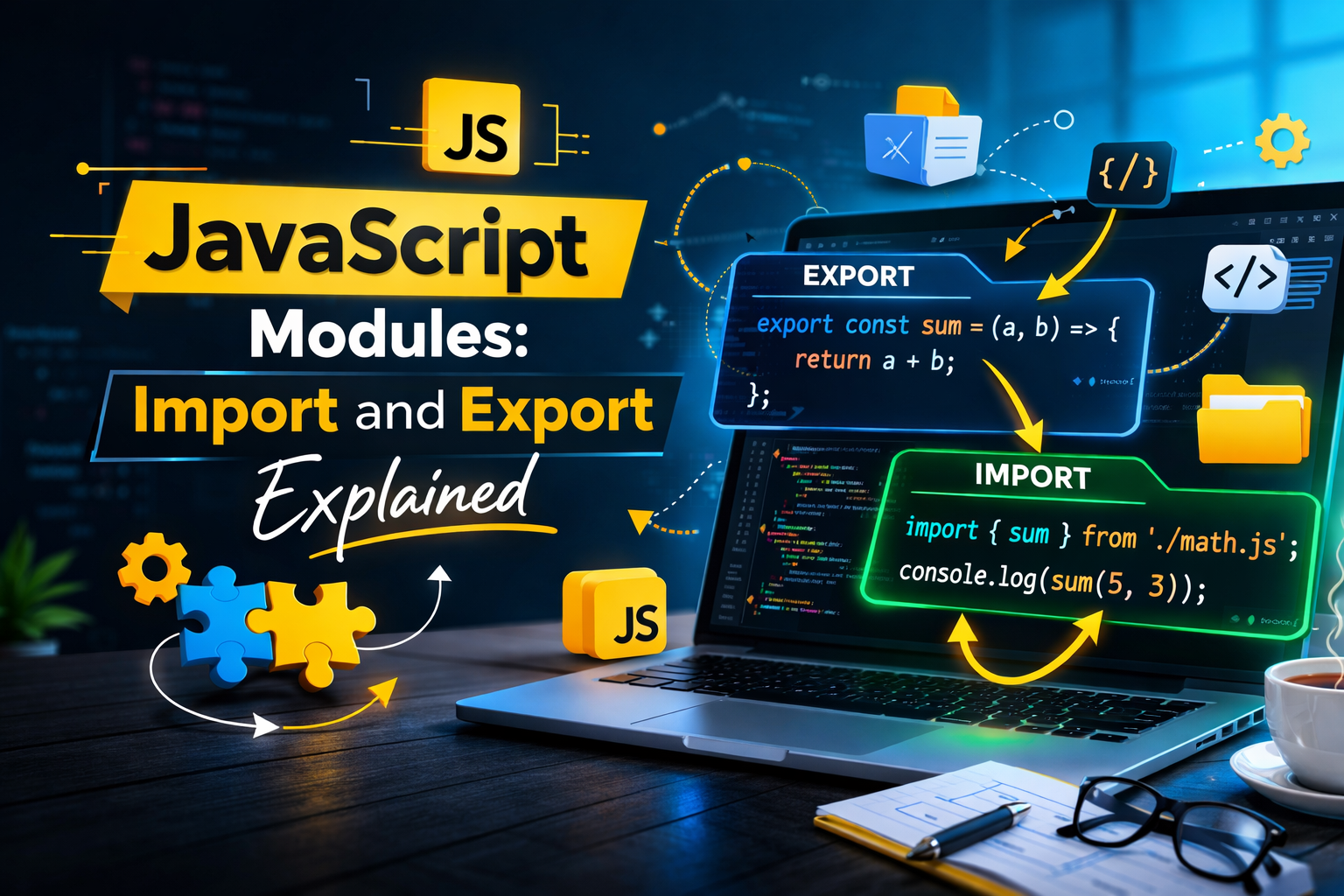
Why modules are needed.
Before learning JavaScript modules, first understand the problem statement.
- The problem is simple, if you want to use code from one file in another file (for example, using a function from one file inside another), how can you do that? Earlier, we didn't have a proper way to do this.
Modules solve this problem.
A module does not just mean splitting code into different files. It means your code is divided into separate files, and those files are connected to each other. That is called modular code.
For example, in backend and frontend development, code is written in different places, but they are linked together. Modules help in creating that connection.
So basically, a module is a small piece of code that helps combine different parts of a program. It breaks a big project into smaller parts, and then we connect them using modules. This makes the code more readable, organized, maintainable, and easy to understand.
To create and use modules, JavaScript provides some special keywords.
We can use module with:-
Variable
functions
classes
objects
There are mainly two types of modules in JavaScript:-
Common JS modules – this is the older way.
ES6 modules (import/export) – this is the modern and most commonly used way to make code more standardized.
Exporting functions or values.
Exporting any value means you are sending it from your file, and whoever needs it can import it. In simple words, you send it from your side, and others can receive it.
To export a value or function, JavaScript provides some keywords.
If you are using ES6 modules (import/export), there are two ways.
If you have multiple functions or values in one file, you can use the export keyword.
If you have only one main function or value in a file, you can use export default, because in one file you can use export default only once.
If you are using CommonJS modules, then you use module.exports to export values.
// With Common JS
const data = (name) => {
   console.log(`Hi ${name}`);
}

module.export = data;
// With Module

export default function hell(){
     return 'Hi my name is Nikhil';
}
Importing modules.
Here also, we have many ways to import a value.
First, understand what import means. Import means to receive. Like when you buy a product, you receive it. In the same way, you receive code, meaning code written somewhere else.
It doesn't only mean someone else's code. It can also be your own code that you exported from another file, and now you are importing it using modules.
When we use ES6 modules, we use the import keyword. After that, we write what we want to import — it can be a variable, function, class, or object. Then we use the from keyword, which tells from where we are importing, and then the file name (source).
In this way, we import code from another file (source code). There are also many other ways to import depending on different conditions.
import register from './register.js;
Now let's talk about CommonJS.
When we use CommonJS, first we declare a constant variable. Then we use the require keyword, and inside it we give the file path (destination) from where the code is coming.
So this is how importing works in both ES6 modules and CommonJS.
const register = require('./register');
Defaults vs named export.
Default Export :-
In JavaScript ES Modules, a default export allows you to export only one main value from a file.
You use export default to send a single function, class, or value. While importing, you can give it any name (no strict naming).
Syntax is simple and clean for single exports.
No need to use curly braces while importing.
import func from './function.js';
Named Export :-
Named export lets you export multiple values from one file. Each export must have a specific name.
You use export keyword before variables, functions, etc. While importing, names must match exactly.
Useful when a file contains multiple utilities or functions.
You must use curly braces {} while importing.
import { register, login } from "./user.controller.js';
Benefits of modular code.
Now think about the benefits of modular code. You can import anyone's code into your source code and use it easily.
- Now imagine you are building a backend system for an e-commerce application. There will be a lot of code. Would you write everything in one file, like database logic, schema design, validation, and APIs? Just think how messy that would look. It would not be readable or organized at all.
Modules solve this problem, with modules, you can write:-
Database code in one file API logic in another file validation in another file. Then you connect all of them together.
Now your code becomes much more readable and maintainable. If any problem comes, you can go to that specific file and make changes easily.
So overall, there are many benefits of using modules. This is a real practical example to help you understand it better.


